

Invoices and walk-ins
The guest at the front desk is in your system too
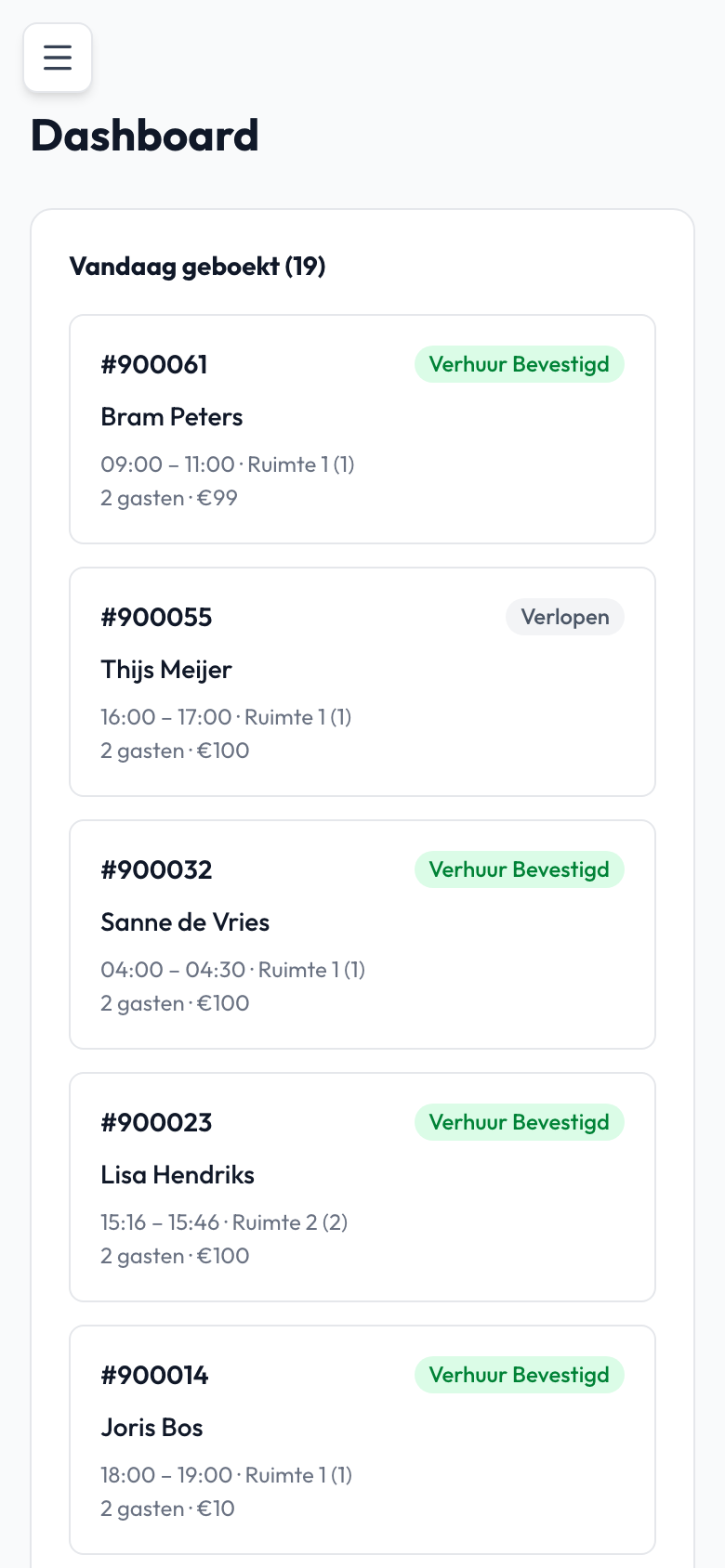
Not every guest books online. You add a walk-in or phone booking to the calendar yourself, as card, cash or still to be paid.
If a guest needs an invoice, you create a PDF invoice with your company details and VAT from the booking. You email it straight away.
In short
What you do with it
- Walk-in or phone
- manual booking
- Payment status
- card, cash or still to be paid
- Invoice
- PDF with company details and VAT
- Sending
- by email from the booking
You switch invoicing on or off per location.
Handy for your accounts
PDF invoice per booking
For a booking you create a PDF invoice with your company details and VAT.
Emailed straight away
You email the invoice to the guest from the booking.
Export to Excel
You export your bookings and customer list to Excel, for example for your accountant.
A walk-in in four steps
From front desk to invoice
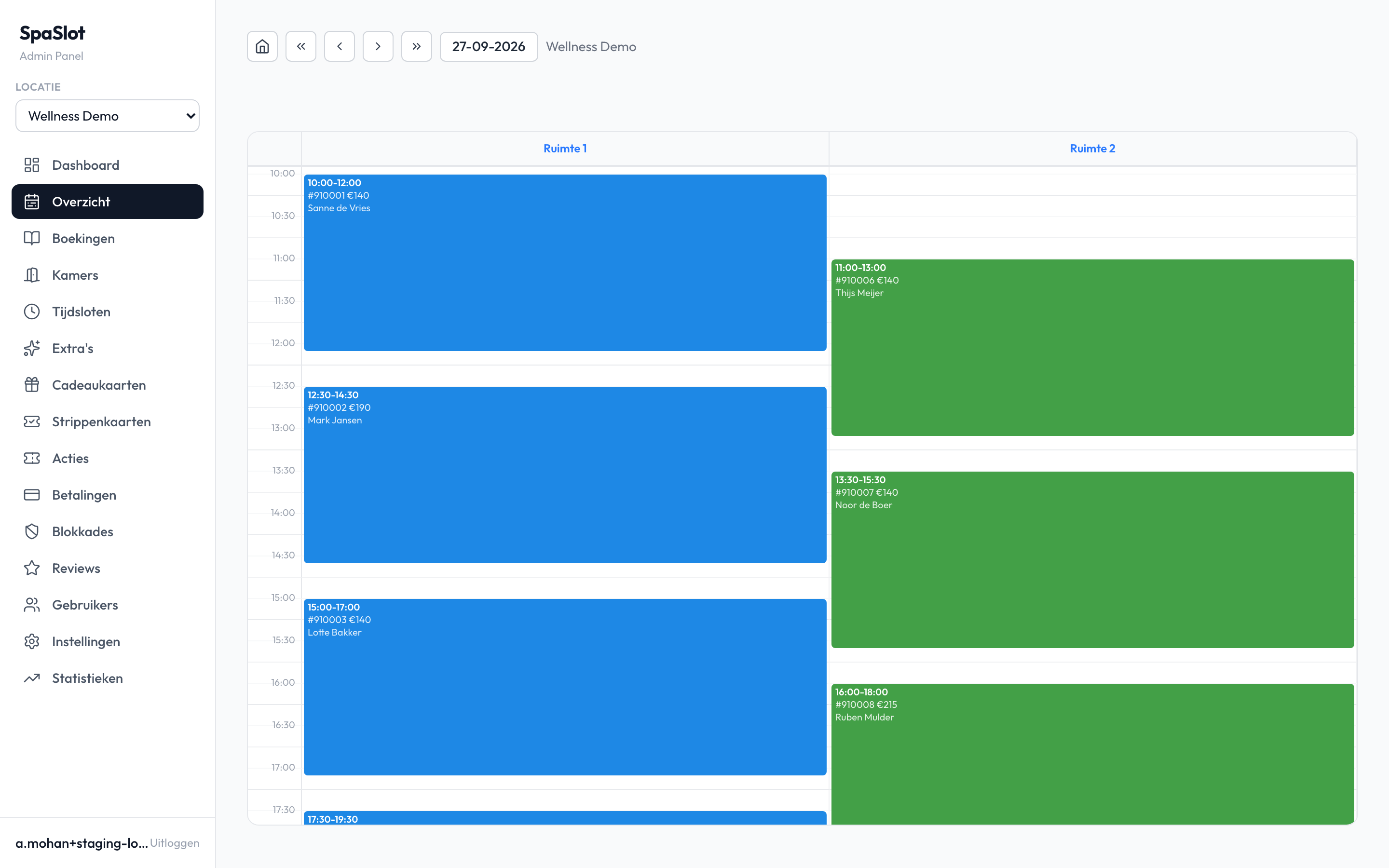
If someone is at the front desk, you put the booking in the calendar in a few clicks.
That keeps your calendar accurate and you see all bookings, online and offline, in one place.
- 1
Choose the time
Select the room and the time in the day view.
- 2
Add the booking
Fill in your guest's details.
- 3
Choose the payment status
Card, cash or still to be paid.
- 4
Need an invoice?
Create the PDF invoice and email it to the guest.
In practice
Walk-ins in the same calendar
- Walk-ins in the same overview
- Payment status per booking
- Invoicing on or off per location
Screenshot from the SpaSlot demo environment, with sample data.

Ashwin Mohan, SpaSlot
The people behind SpaSlot
Software from people you can simply call
SpaSlot is based in Rotterdam. We have been building software since 2018 and developed SpaSlot together with private saunas that use it every day.
At the front desk things need to move quickly. That is why adding a walk-in happens in the same calendar as your online bookings.
Questions about invoices and walk-ins
Yes. You add the booking manually in the calendar, as card, cash or still to be paid.
Yes. SpaSlot creates a PDF invoice with your company details and VAT.
Yes, you send it by email.
No. You switch it on or off per location.
Yes. You export your bookings and customer list to Excel.
Questions about invoices and walk-ins?
In a 20-minute demo we show you how to add a walk-in and create an invoice for it. You ask the questions, then we set everything up for you.
You talk to the SpaSlot teamPersonal support, usually the same dayRodezand 80, Rotterdam · info@spaslot.nl · +31 10 321 68 61
€ 129.95 per location per month excl. VAT. No setup fees, cancel monthly.